Build it your way.
Lay straight and curved track freely, with switches and loops. Track follows the real ground with embankments, viaducts, bridges or tunnels, its gradient and cost shown as you draw.
 Along the Line沿線
沿線
A railway and city-building simulation for iPhone and iPad.
Lay track, plan your services, and connect towns to everyday life.
Along the Line · Trailer (Chinese captions)00:30
From your first stretch of track to a complete network,
every decision shapes life along the line.
Lay straight and curved track freely, with switches and loops. Track follows the real ground with embankments, viaducts, bridges or tunnels, its gradient and cost shown as you draw.
Set stops, timetables and headways. Adjust your fleet to carry the different demand of peak and off-peak hours.
Connections bring passengers and growth. Zone the land, put up your own homes, shops and offices, and watch buildings rise and land values shift along your lines as you run your railway company.
And more

Station master · Taiwan yellow titI’m the station master, a yellow tit found only in Taiwan, and my black crest is my cap. When a station is packed or a line has no trains yet, I’ll tell you from the corner of the screen what to do next.
Not an animation: the game itself played this. Three towns on a blank map; on day 1 the railway joins two of them, on day 30 it reaches the third, and the game runs on for a year. Each midnight the places a station serves build new homes and taller buildings. It plays once as you scroll here; drag the timeline to take it slowly.
Loading the timeline… (it needs JavaScript)
Station master · Taiwan yellow titPress Play and see how the towns grow once the railway opens.
Railways laid over the real ground and run to real timetables. Switch between travel demand, land value, land use and population layers to see what they bring to the places they serve.
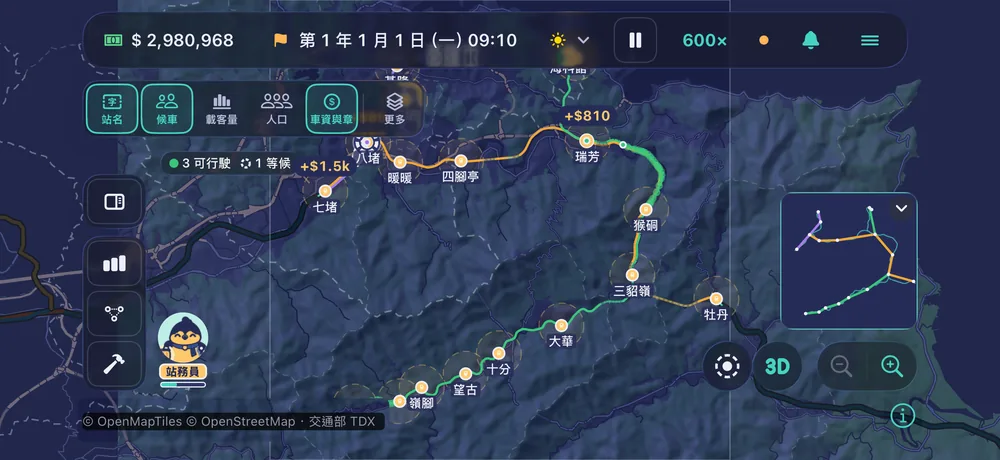
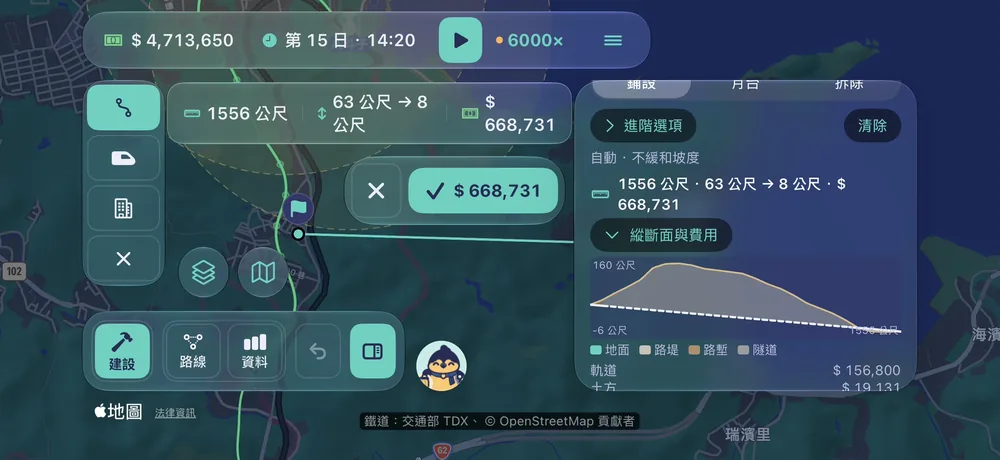
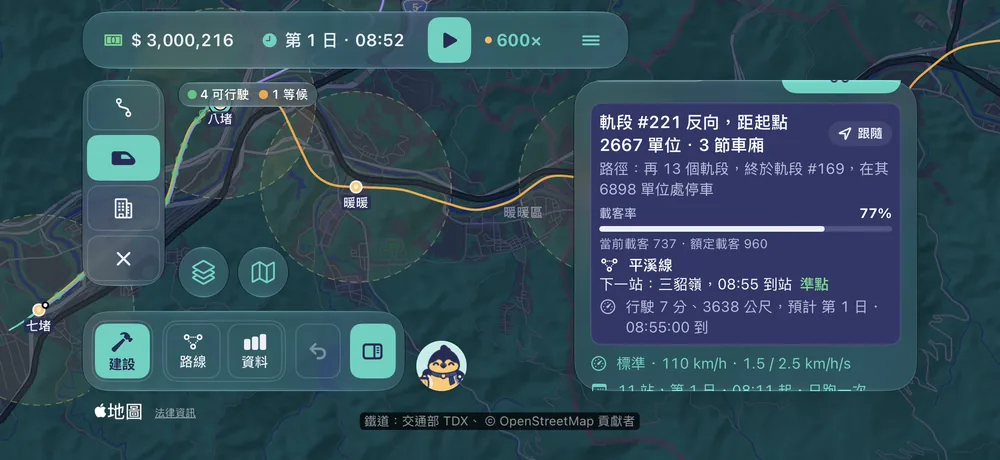
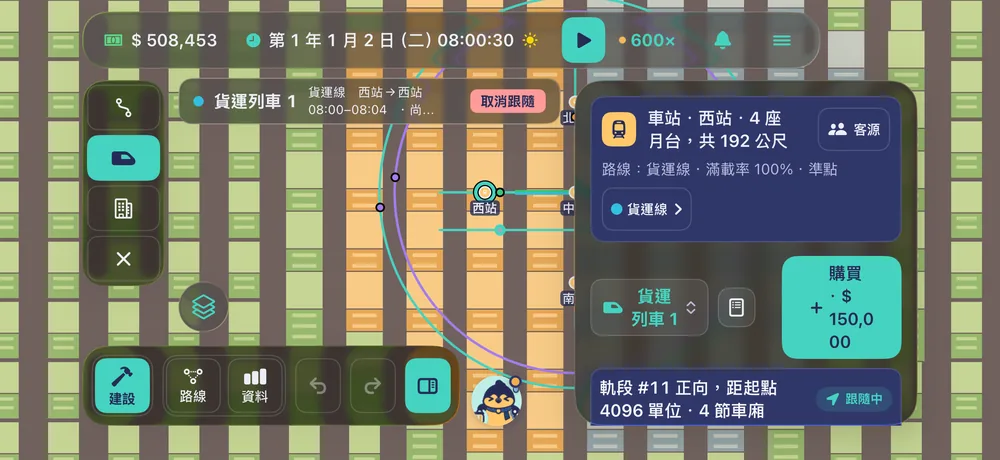
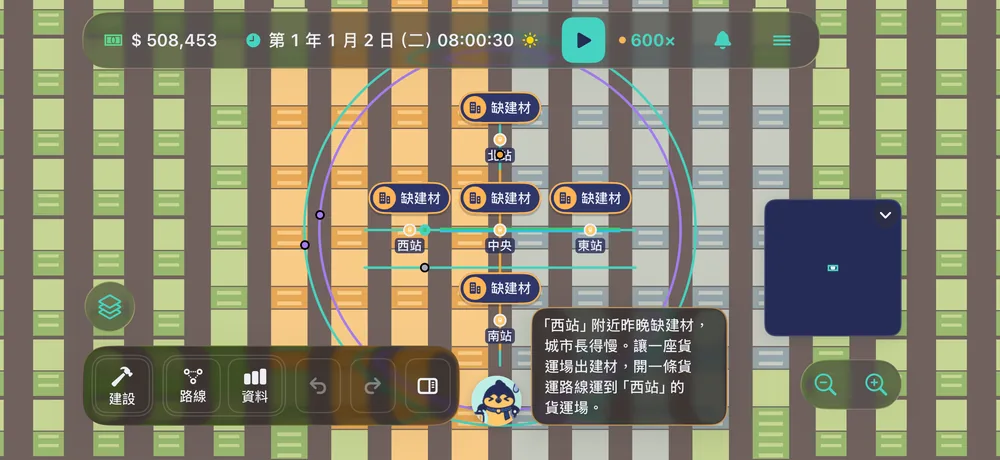
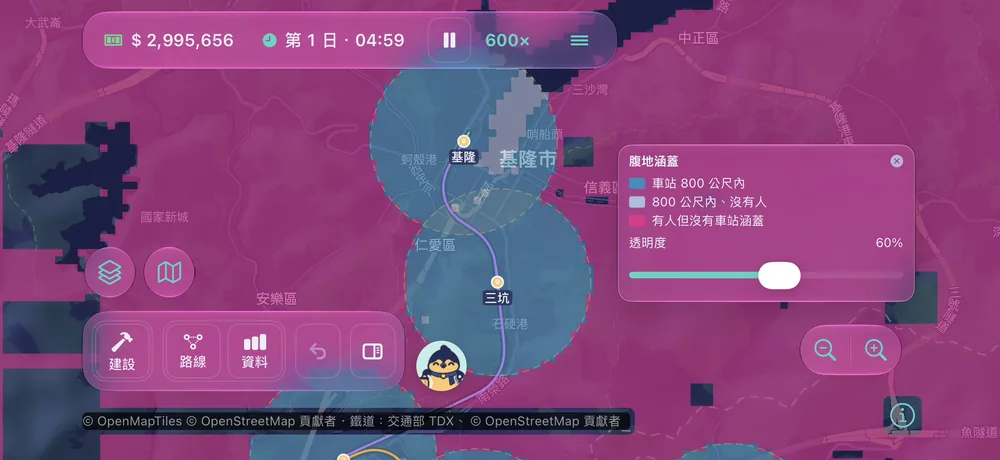
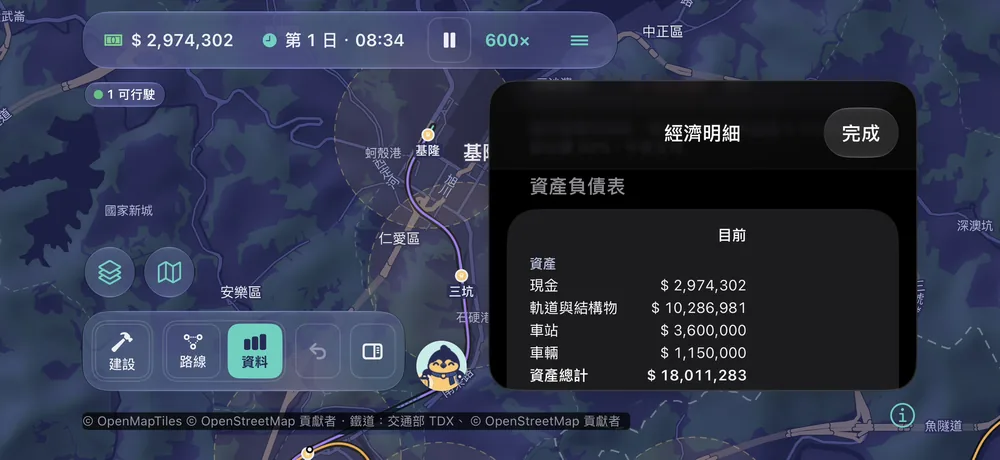
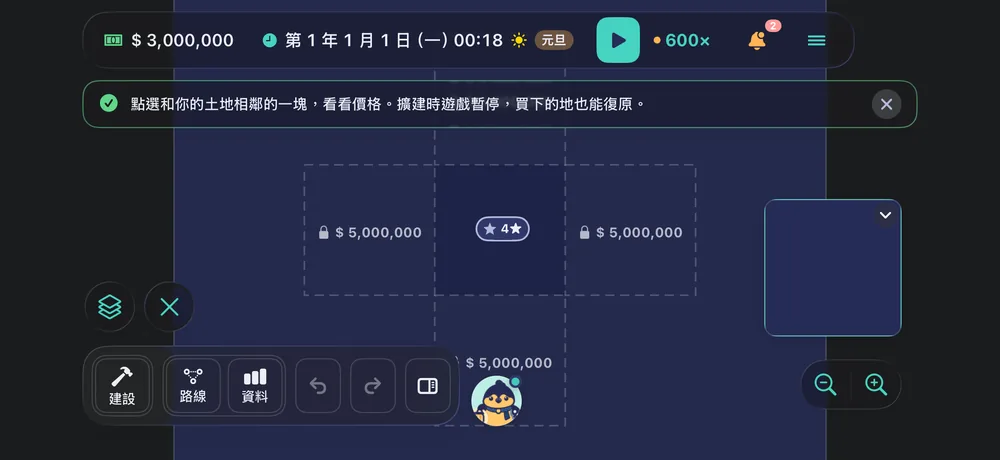
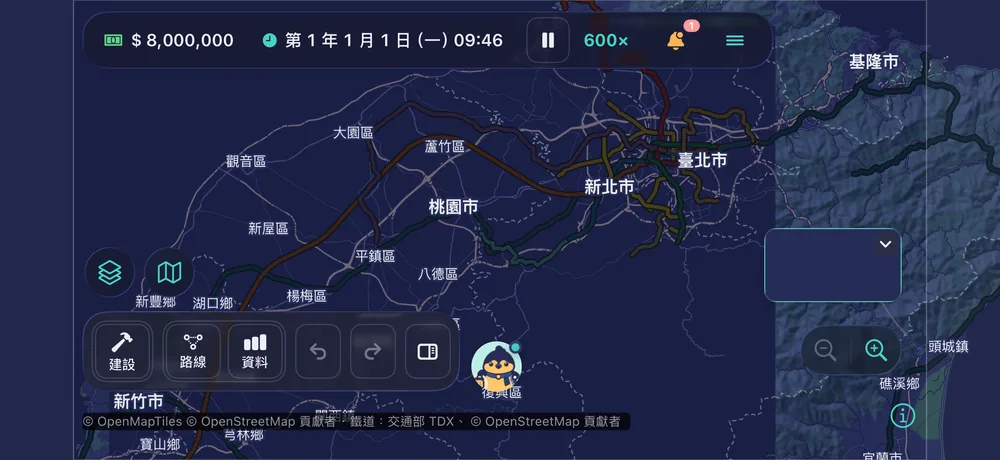
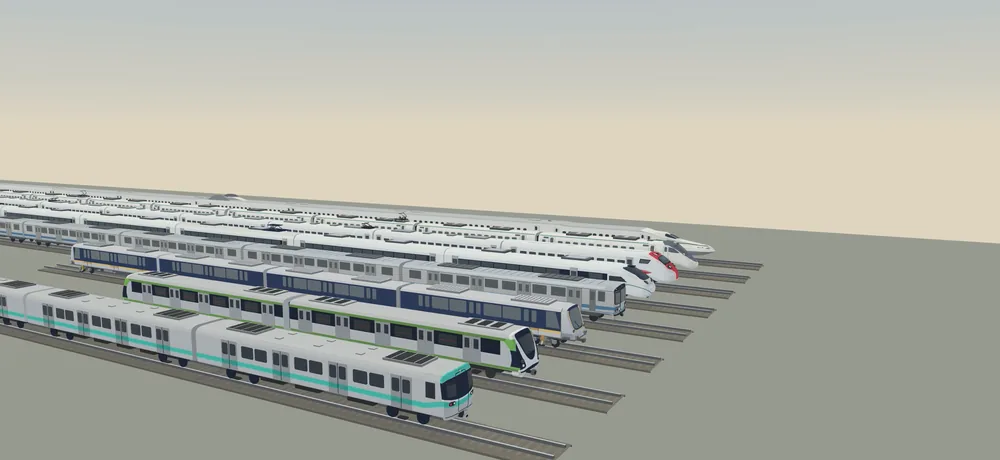
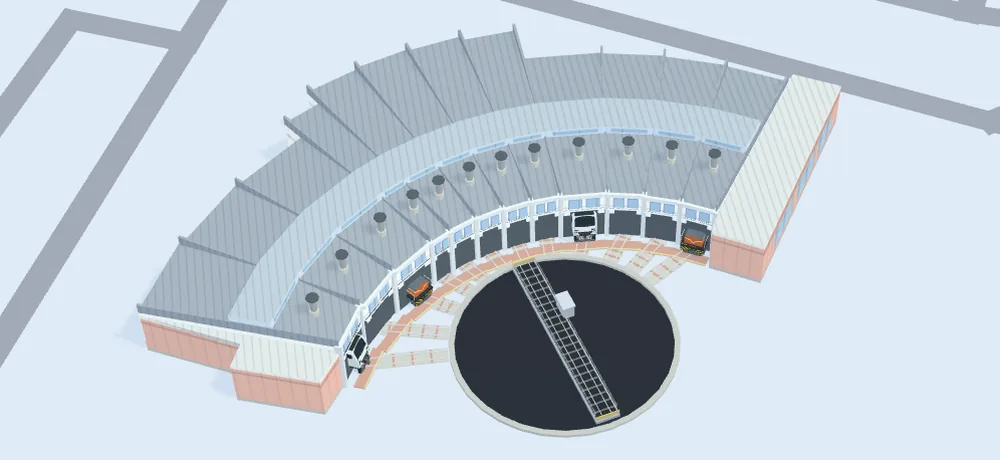

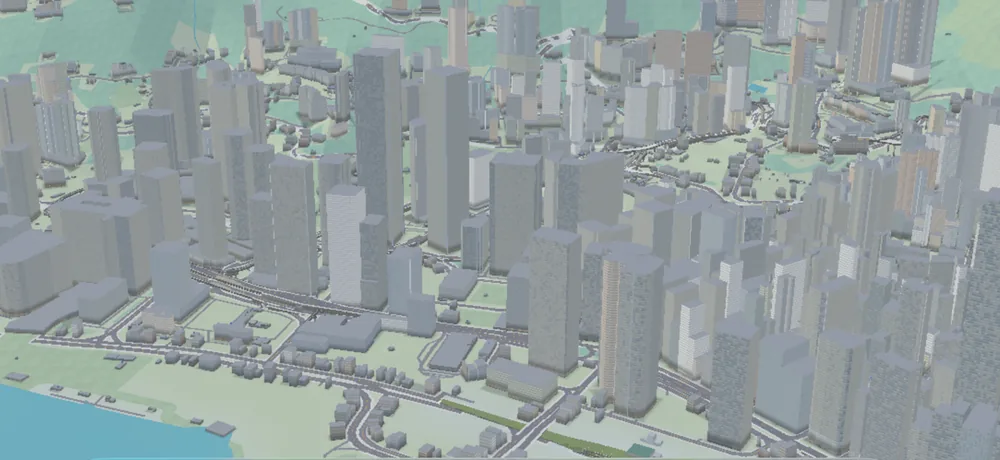
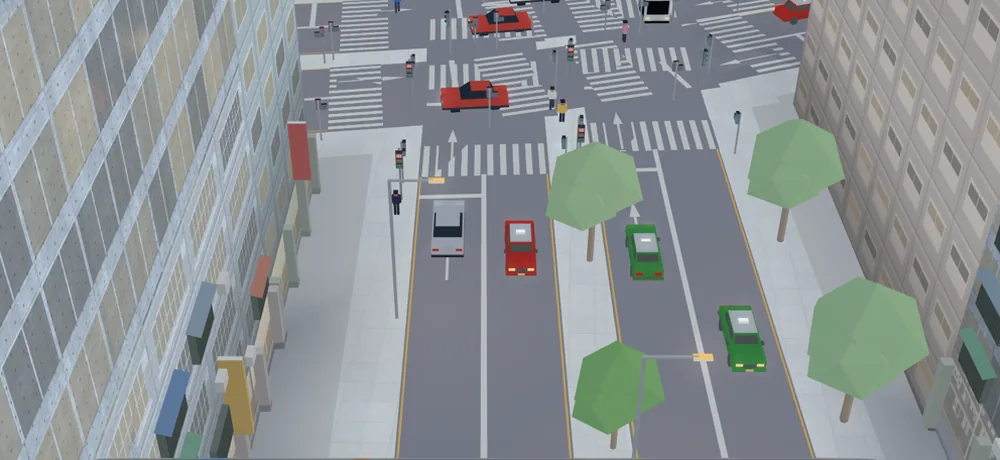
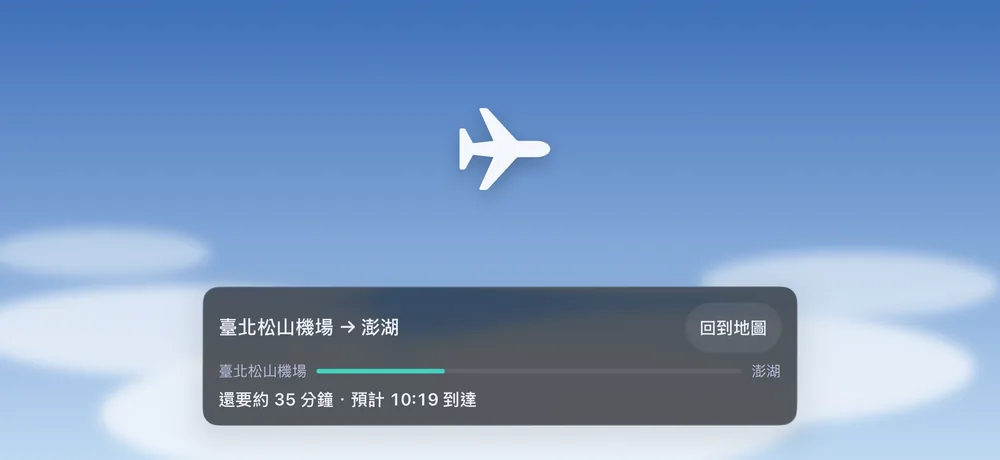
Screens from an iPhone and its simulator running a development beta, shown in Chinese; content may change.
Maps: the real-world demo, catchment, accounts and Liu Mingchuan’s Railway the game’s built-in map of Taiwan, © OpenMapTiles © OpenStreetMap contributors; real terrain and real timetables Apple Maps. 3D city: © OpenStreetMap contributors, Overture Maps. Hong Kong: building outlines and heights from the Lands Department, Government of the Hong Kong SAR, via the CSDI Portal; map © OpenMapTiles © OpenStreetMap contributors. Terrain: Copernicus DEM. Railways: MOTC TDX, © OpenStreetMap contributors. Population: WorldPop (CC BY 4.0). All data sources
沿線
Start from scratch on a blank map, or build on real-world maps of real places. Learn to build and operate step by step in the tutorial, or watch a working network in the demo maps.
The real-world demo is built on the real routes and ground: Taiwan’s Yilan, Western Trunk, Pingxi and Shen’ao lines, 18 stations from Keelung and Qidu to Mudan and Jingtong, with the Pingxi line running Taiwan Railway’s real timetable, so railways you know can be another place to begin.
Want a goal? Pick a challenge: the weekly challenge puts everyone on the same map, and Taiwan’s railway history scenarios bring the Pingxi Line’s yearly Sky Lantern Festival and Liu Mingchuan’s steam railway from Keelung to Hsinchu. Real-world maps reach across the whole of Taiwan, or switch to Hong Kong and buy MTR lines; buy an air route to the other side and both maps open.
The game is still in development; content and screens may change between beta builds.
From October 30, 2026
The first train has left the station.
Come and step into the world of Along the Line.

Station master · Taiwan yellow titThe first train is off! Tap “Join the beta” below to install Along the Line with TestFlight.
The link opens Apple’s TestFlight. If you don’t have it yet, get TestFlight on the App Store (opens in a new window) first.
Install Apple’s TestFlight on your iPhone or iPad, then tap “Join the beta” on this site to install Along the Line through TestFlight.
Along the Line is built for iPhone and iPad, and the current beta requires iOS / iPadOS 26 or later. iPhone plays in landscape; iPad works in either orientation. Check TestFlight for the exact requirements of each beta build.
Yes. The game supports English and Traditional Chinese and follows your device language. You can also change the language for this app alone in the Settings app.
Not yet. The game opens first as a TestFlight beta. App Store details will be announced when they are confirmed.
Along the Line needs no account and has no ads or tracking. Your saves and settings are stored on your device, and your saves also in your own iCloud, which the developer cannot read. See the Privacy Policy for details.
During the beta you can send feedback and screenshots straight from TestFlight, or email support@alongthelinegame.com. See the Support page for more.